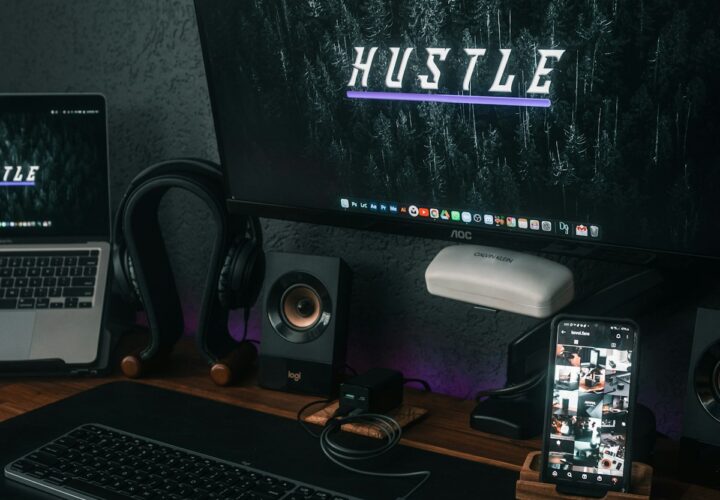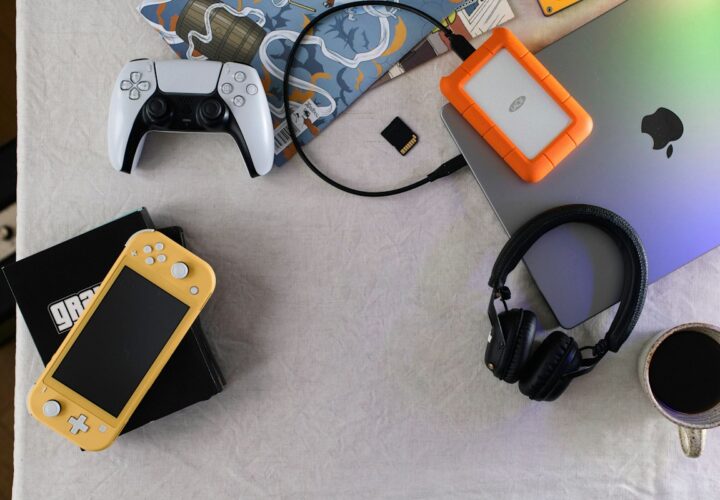
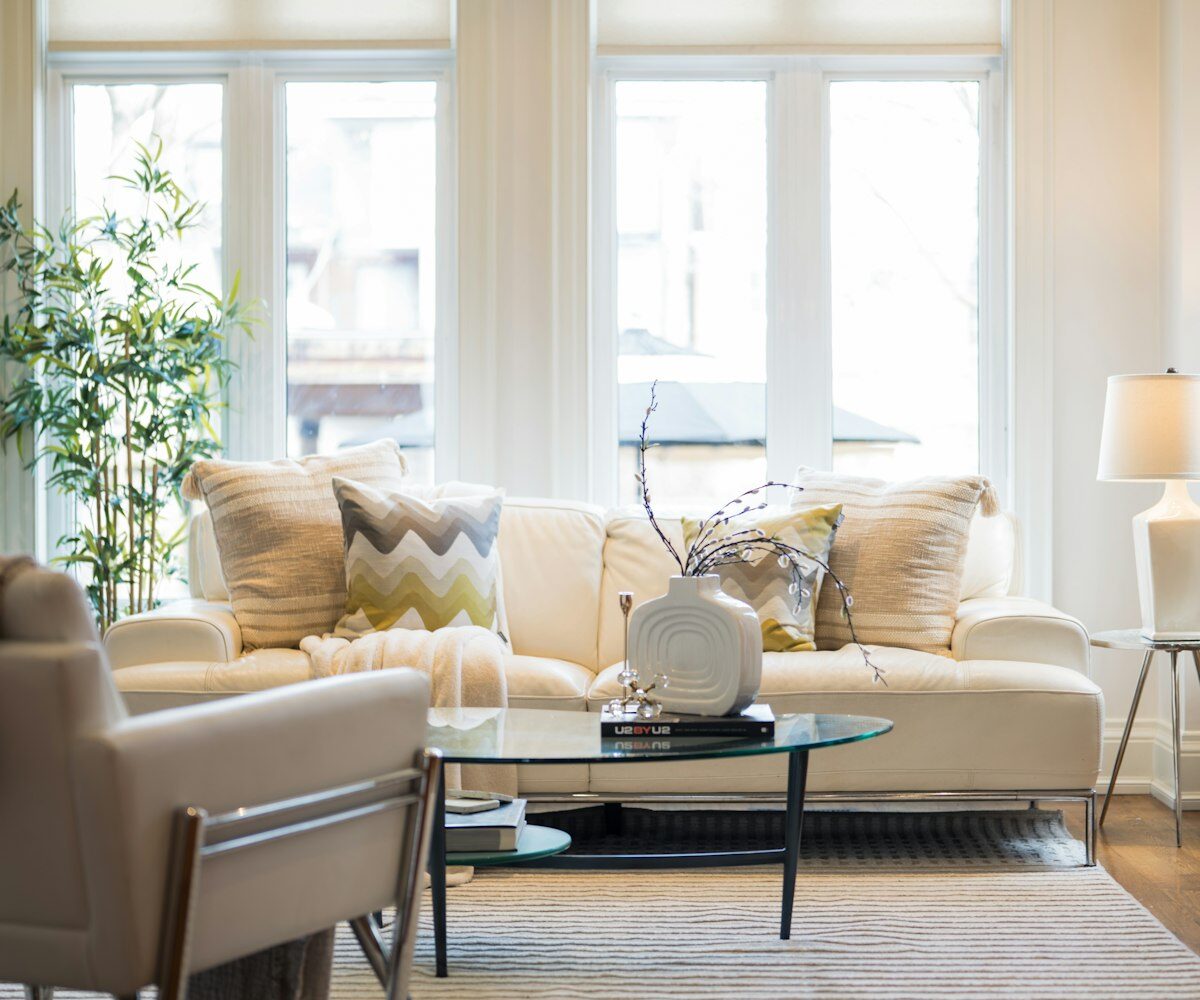
Photographs help explain what an item is, what condition it is in and what may be involved in moving it. A useful set does not need dozens of images. Start with one full view, then add close-ups that answer likely questions. Keep images clear, well lit and honest.
Furniture photographs
Show the entire sofa, bed, wardrobe, dining table or office desk from the front and at an angle. For a matching set, include one photograph with all pieces together. Add close-ups of fabric, leather, wood finish, handles, joints, drawer runners, corners and visible damage. Include dimensions and the number of matching chairs, cushions, shelves or other parts.
Appliance photographs
Photograph the full front of the refrigerator, washing machine, dryer, dishwasher, oven or other appliance. Add a close-up of the brand and model label if it is safely accessible. Show the interior where relevant, controls, door seals, shelves and accessories. Describe whether it works normally and disclose leaks, unusual noises, error codes, cooling problems or missing parts. Do not operate equipment that appears unsafe just to record a video.
Electronics photographs
Show the device from the front and back, then include the screen, ports, keyboard, charger and accessories where relevant. Provide the brand, model and specifications in text. Avoid sharing personal account screens, private files, passwords, one-time codes or full identity information. For phones and computers, describe screen damage, battery issues, charging faults and account-lock status accurately.
Show what is included
If you are offering a bundle, photograph all items together and list each piece separately. Mention missing remotes, chargers, cables, shelves, table leaves, bed slats, keys or other parts. If one item in a set has a different condition, take a separate photograph so it is not overlooked.
Include location and access details
Tell us your neighbourhood or emirate, floor, lift availability, parking and any building move-out rules. For large or installed items, mention whether dismantling or a qualified technician may be required. Do not send a public photograph that exposes private documents, children, access codes or other unnecessary personal details.
Send a concise message
Group images by category and write a short note: item type, brand or model, approximate age, condition, quantity and location. This gives the business a useful starting point. A photo enquiry is not a confirmed offer; final suitability, price and collection arrangements are agreed after review.
Use the contact page or visit the furniture, appliance and electronics service pages to see the information relevant to each category.
Use a simple photo sequence
Start with a wide image showing the whole item, then add front, side, back, model label and close-ups of damage. For multiple items, label each group. Check that images do not expose identity documents, private screens, access codes or unrelated sensitive information.